Custom trade show games · Agencies & exhibit designers

Show clients what their event could become.

Wedding Dash starts with a wedding, but its real value is the customizable format underneath. For a booth or activation, the characters can become a mascot or product, the collectibles can become brand icons, the obstacles can become customer challenges and the setting can become the client’s campaign world.

Start with Wedding Dash. Then picture the client’s version.

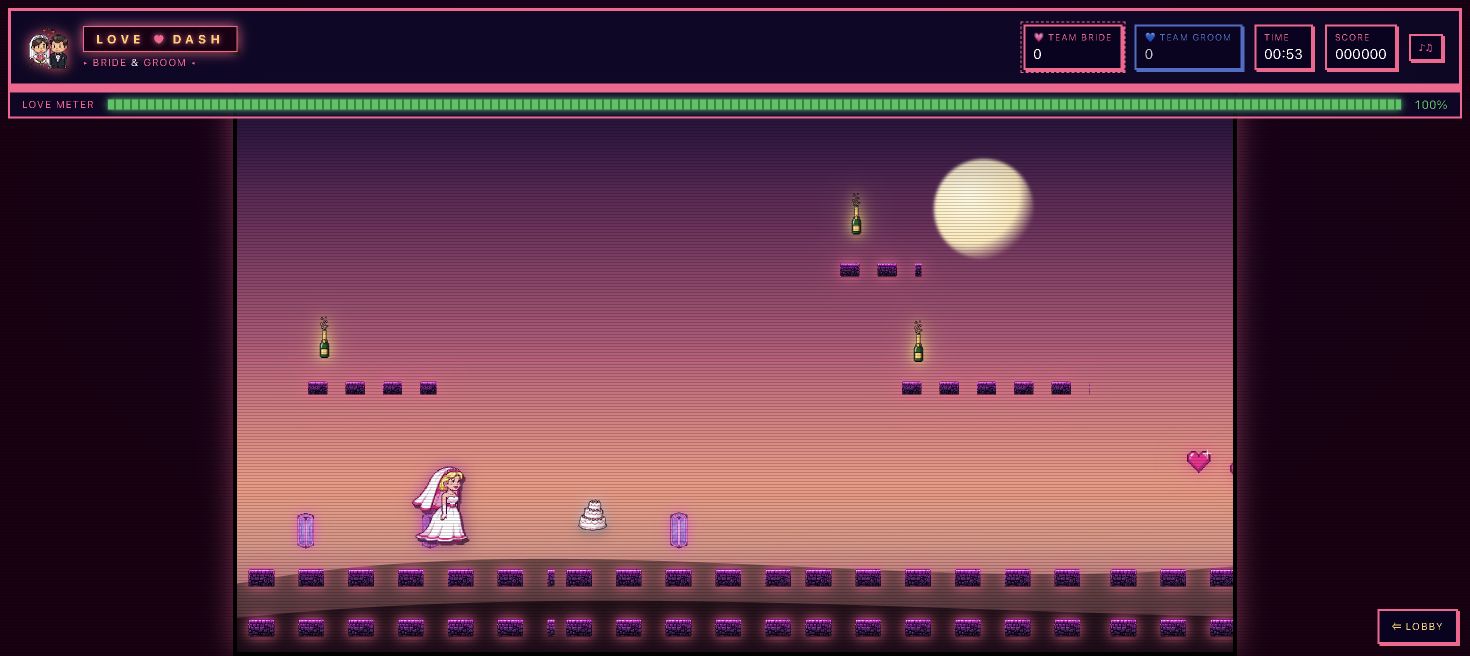
Wedding Dash side-scrolling game with a bride character, collectible wedding items and team labels
EventBitZ studio concept. The format, characters, teams, collectibles, obstacles and setting can be customized for a booth, brand activation or event.

Wedding Dash / Customizable event-game format

One game format. A completely different world for your event.

What the visitor plays

Guests choose a team, guide a custom character through the scene, collect meaningful items and dodge themed obstacles in a fast, easy-to-learn round.

What the game makes tangible

Wedding Dash shows how fully an event can shape a game. Replace the couple with your mascot, spokesperson or product. Turn bouquets into product icons, obstacles into customer challenges, teams into audience segments and the wedding setting into your campaign world.

The conversation after play

“What would visitors collect, avoid and remember in your version?”
Play Wedding Dash ↗Read the game story →
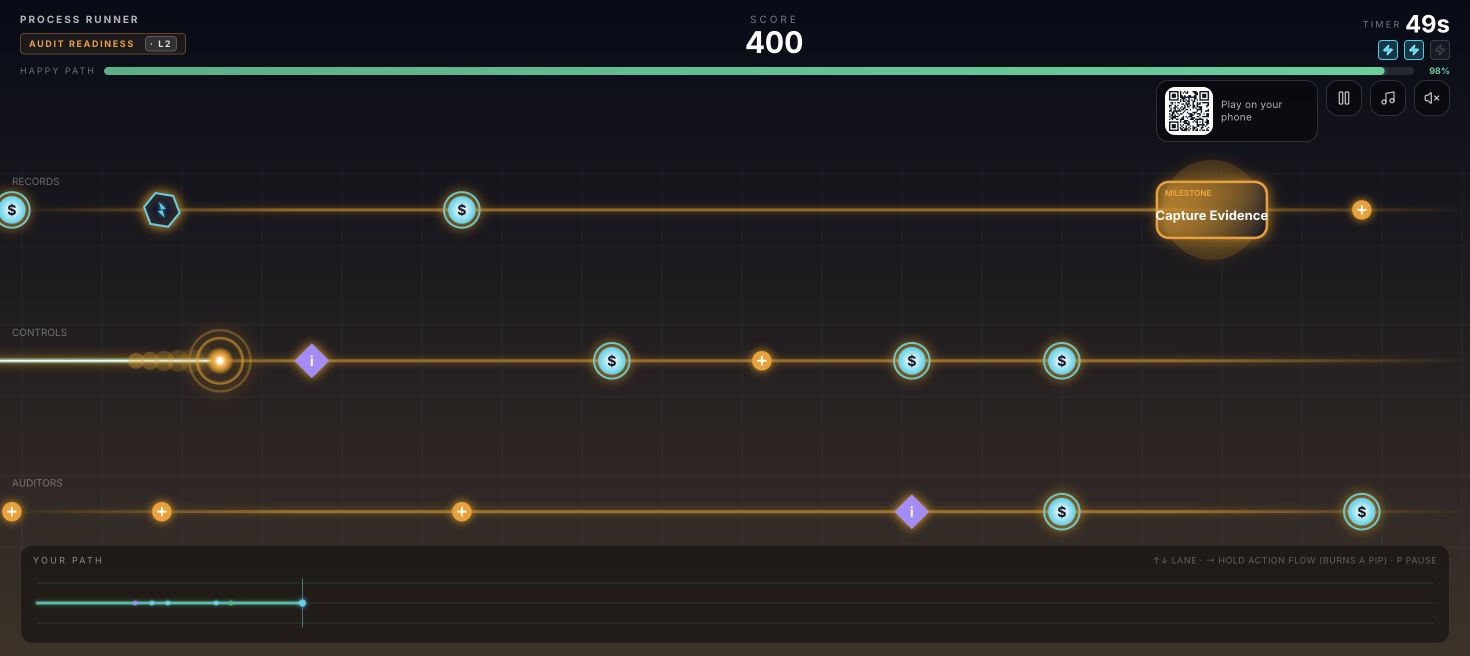
Process Runner game with lanes, milestones and a Happy Path meter
EventBitZ workflow game concept. Not commissioned client work.

Process Runner / Workflow software concept

A better path through work.

What the visitor plays

Switch lanes to avoid bottlenecks and collect milestones. Delays drain the Happy Path meter. Milestones restore it, and Action Flow gives the player a boost.

What the game makes tangible

Process friction becomes something the player has to get past. A smoother workflow becomes a better run, giving your team a way into a conversation about how work actually moves.

The conversation after play

“Where does work get stuck in your process?”

Play Process Runner ↗Read the game story →

These are studio concepts showing how a product can shape the play. Your game starts with your own message, audience and event.

Build the game into the activation from the start.

01

A concept you can explain

Start with the simple Wedding Dash loop: choose a team, collect the right objects and avoid the wrong ones. Then show the transformation. Teams become audience groups, collectibles become product benefits, obstacles become customer problems and the finish becomes the action the client wants visitors to take.

02

A place in the booth

Share the footprint, screen position and interaction area. We plan controls, viewing distance, the round and staff handoff as part of the experience. Hardware, connectivity, mobile play and support are scoped to the event.

03

A clear working arrangement

Bring us in as the game component of your client program. We agree how feedback and client approvals flow, who handles hardware and setup, and the commercial terms for including the work in your proposal.

The working arrangement

Make it easy to put us
in your client proposal.

Client communication

Your team can propose the preferred arrangement: agency-led communication or joint reviews. We agree a feedback owner and client sign-off points before the build.

Creative and production

Bring the client story and booth plan. We develop the game direction and agree which team supplies the displays, hardware, venue services and launch support.

Commercial terms

Confirm pricing, branding, licensing and repeat-event use before quoting onward. White-label presentation, source files and exclusivity are terms to discuss, not assumed inclusions.

The game becomes the conversation.

For a workflow software client, the proposal could show Process Runner as a reference, map the client’s own bottlenecks into obstacles, and end the round with a question the booth team can use. The reference is a starting point for an original client game.

Tell us the conversation you want to start →
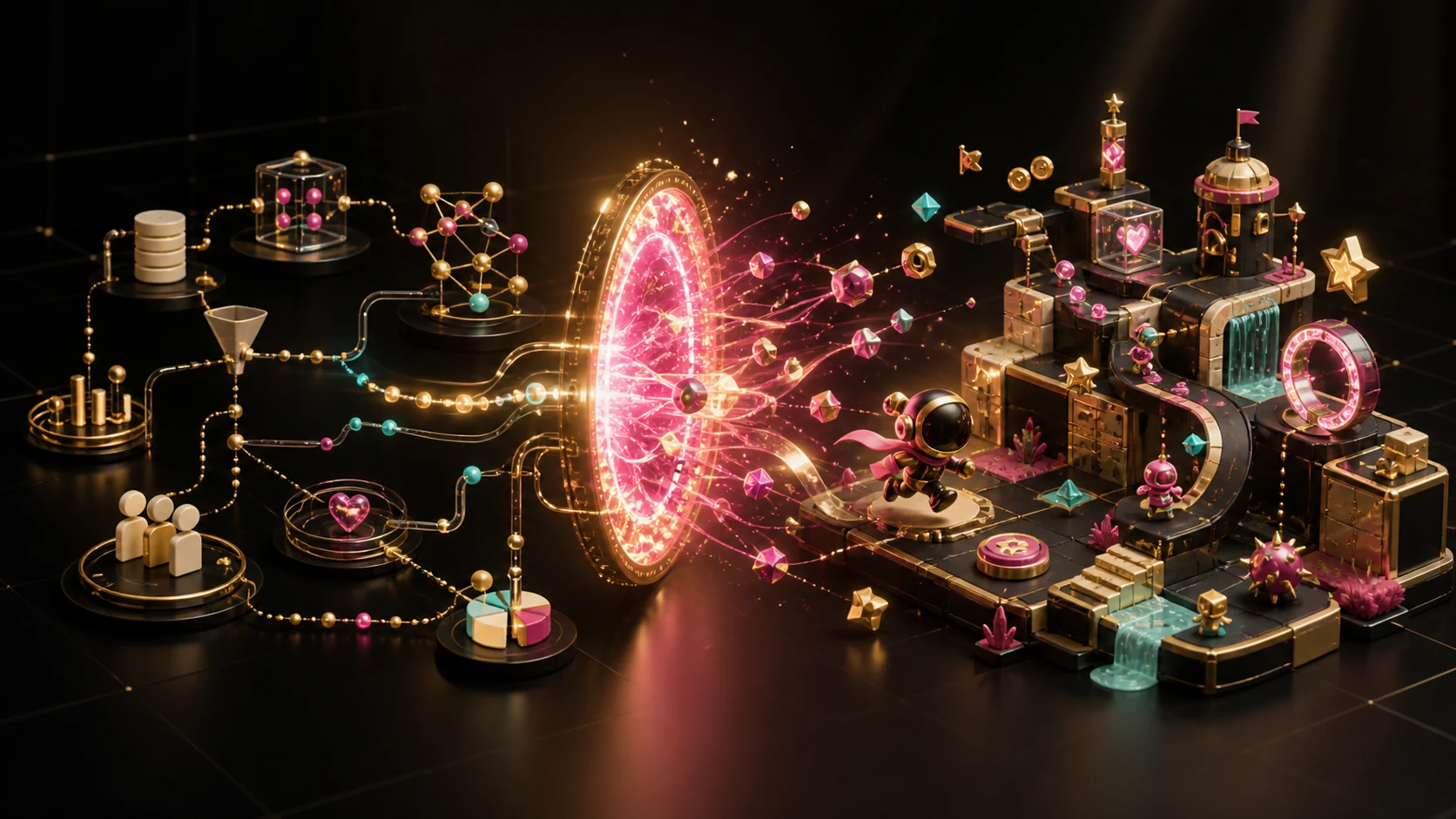
A product story developed into a game mechanic and playable world
EventBitZ concept visualization

A family studio in Arlington, Virginia

The people learning your product build your game.

We discuss the product and what players should remember, then review the game flow with you. You get to play the build, give feedback and approve the finished experience.

  1. 01

    Concepts

    Typically 2–5 business days to review a direction, game flow and objectives.

  2. 02

    Development

    Allow another 2–4 weeks after concept feedback, depending on complexity.

  3. 03

    Play and refine

    Allow approximately two weeks for a shared review, your feedback and agreed improvements.

  4. 04

    Final sign-off

    Approve the finished game for your event. Review time and hardware schedules are scoped separately.

Planning your game

Can we sell the game as part of our project?

We can discuss including the game in your client proposal. Tell us how you want to package the work so we can agree scope, pricing, licensing and branding before your team commits.

Can you work alongside our existing design and production teams?

Yes. Bring the booth plan and the people responsible for creative approvals, displays, controls and setup. We define the game’s part in that plan and the handoffs needed for delivery.

What should we bring to the first conversation?

A client product or campaign, event date, audience, likely setup and budget range. If the brief is still taking shape, start with the message the visitor should remember and the role you want the game to play.

Explore trade show booth games and current scope and pricing guidance.

What could your product become?

Send the client story, event date and the part of the activation your team is planning. We will explore a game direction and the scope needed for your proposal.

Discuss a Client Game Project